
Backup & Share
Move your macros to another PC or share them with a friend, everything travels in one .qhz file.
Video walkthrough on the way
This topic's video is in production. The written guide below covers everything for now.
Everything a macro needs, its sequences, detection images, skills, profiles, and playlists, packs into a single .qhz file. Send it to a friend, copy it to a new PC, or keep it as a backup. Your login is never included, and the whole feature is free.
Share macros with a friend
- Pick the macrosSelect one or more in the macro list.
- ExportRight-click → Export… and choose where to save the .qhz. Everything the macros depend on comes along automatically.
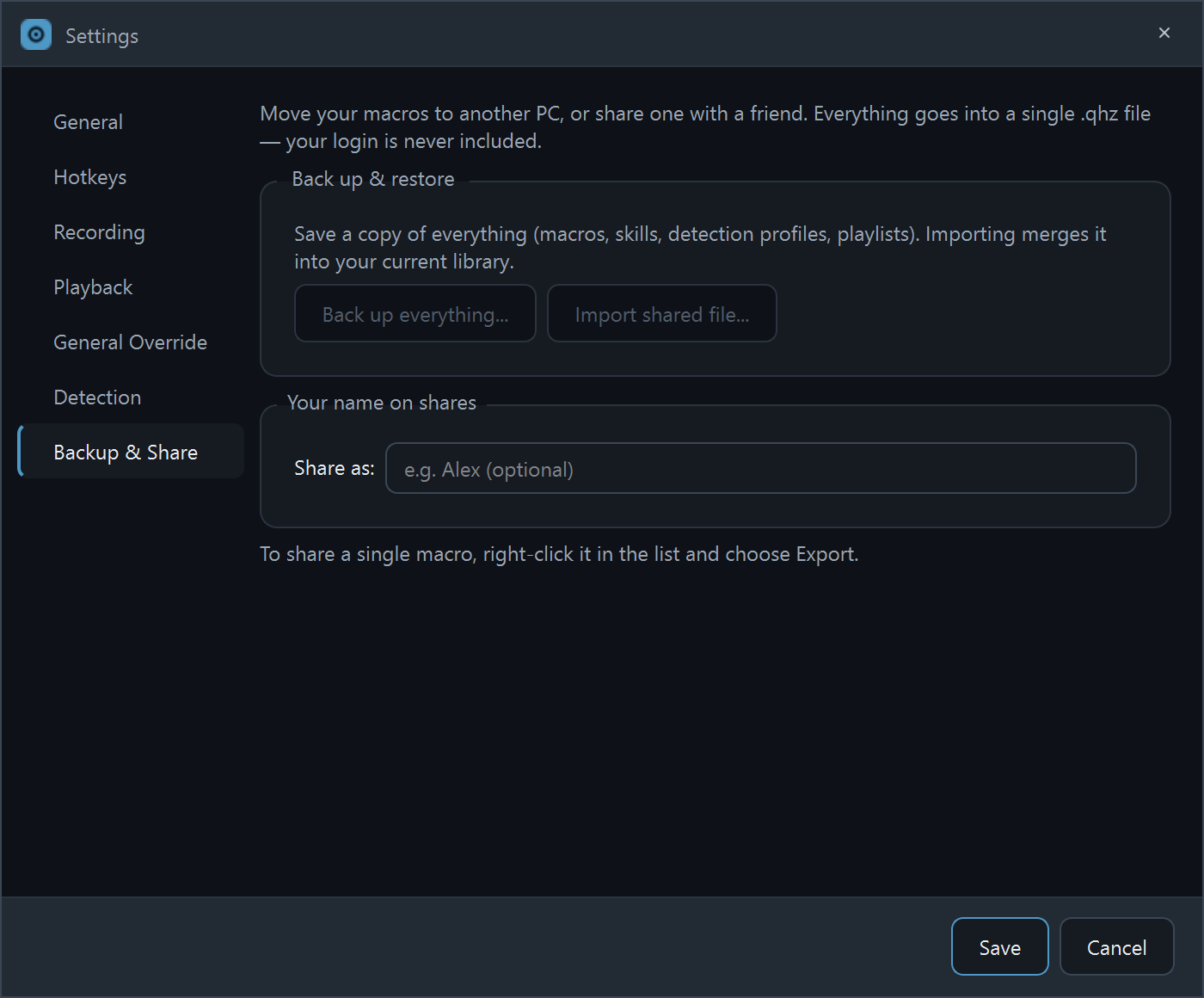
Want your name on it? Set an optional Share as name in Settings → Backup & Share, and imports of your file will show "Shared by you-name".
Import a shared file
Three ways in: double-click the .qhz file, click Import shared file… under the macro list, or use the button in Settings → Backup & Share. Either way you get a Review this import preview first: what the file contains, what will change in your library, and who shared it. Shared imports always merge, they add to your library and never overwrite what you already have. Imported macros arrive idle, so nothing runs until you say so.
Back up everything
Settings → Backup & Share → Back up everything… writes your whole library, macros, skills, detection profiles, playlists, and settings, to one .qhz. Do it before a reinstall, or on a schedule if you're the careful type.
Restore a full backup
Importing a full backup offers two modes: Merge into my library (keep what you already have, add what's in the file) or Replace, which restores the backup wholesale. When replacing, Keep my current settings leaves your app settings alone and restores just the library.
What's in the file (and what isn't)
- In: macros, sequences, detection images, skills, detection profiles, playlists, and (for full backups) app settings.
- Not in: your account, login tokens, or license, a .qhz is safe to hand to anyone.
- Typed text: the import preview hides keystroke text by default (Show text it would type reveals it), so you can check a stranger's file before trusting it.
Stuck on a step?
Ask in the Discord, post on r/QHuman, or email support. Happy to help.