
Recording in QHuman
Everything QHuman captures and how to shape what gets recorded.
Video walkthrough on the way
This topic's video is in production. The written guide below covers everything for now.
QHuman records every kind of mouse and keyboard input you'd expect, but only some sources are on by default. This guide covers the controls.
Record your first click
Hit Record on the toolbar or press Ctrl+F9 from anywhere. QHuman captures your input until you press Stop or Ctrl+Alt+S. The recording lands as a new sub-sequence in the editor's Sequences list.
What gets recorded by default
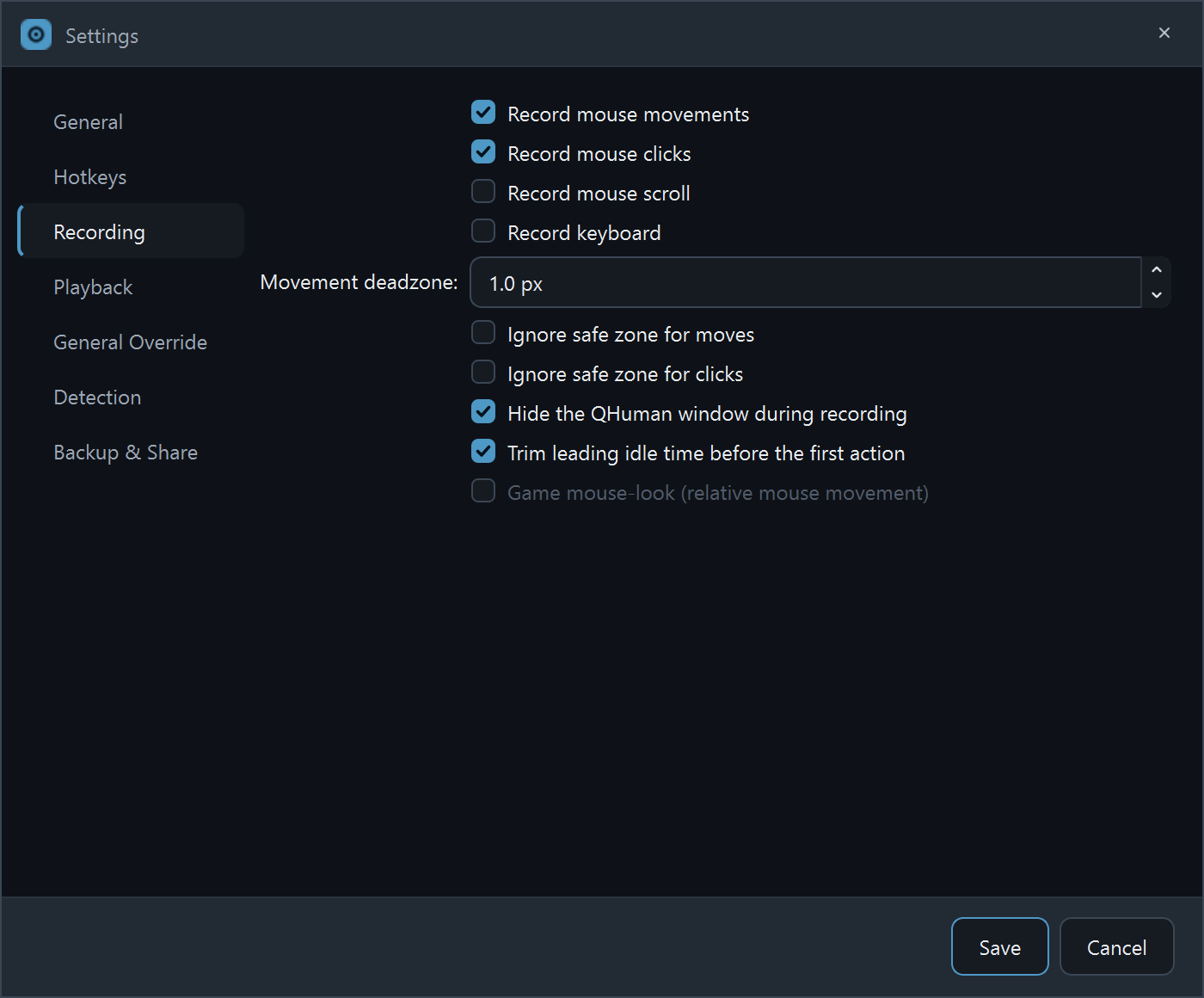
Out of the box QHuman records mouse movement and clicks. Scroll and keystrokes are off until you turn them on under Settings → Recording.
Record keyboard input
Open Settings → Recording and check Record keys. From the next recording on, every keystroke joins the action table alongside your mouse moves. Useful for fill-the-form macros and game key sequences.
Record mouse scroll
Same place: Settings → Recording → Record scroll. Scroll-wheel events get their own rows in the action table and replay at their captured speed.
Build a macro from multiple recordings
Each Record / Stop cycle appends a sub-sequence to the macro you're editing; it doesn't start a new macro. Stack as many sub-sequences as you want, then use the checkboxes in the Sequences list to control which ones get saved into the bundle.
The recording floating indicator
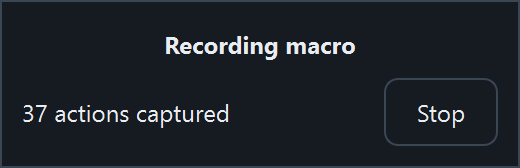
While you record, QHuman shows a small always-on-top window with a live action count and a Stop button. Drag it anywhere you like; the position is saved between launches.
Cancel a recording without saving
Press Stop (or Ctrl+Alt+S) to end the recording, then hit Clear on the toolbar before you Save. Nothing is persisted to disk until you explicitly save the macro.
Hide vs show the main window while recording
The main window hides while recording so it stays out of your way. Turn that off under Settings → Recording if you'd rather watch the action table populate live.
Stuck on a step?
Ask in the Discord, post on r/QHuman, or email support. Happy to help.