
Read text & numbers
Point QHuman at a health bar, a price, or a status label and react to what it says.
Video walkthrough on the way
This topic's video is in production. The written guide below covers everything for now.
Detection steps can read the screen, not just match it. A Number (OCR) condition reads a region as a number and compares it (below 30? above 1,000?); a Text (OCR) condition reads it as text and checks what it says. Wire either into a transition and the flow reacts to real values.
Add a number or text condition
- Edit a step's transitionIn the graph editor, double-click the transition (or add one) to open its condition editor.
- Add the conditionChoose Add Number (OCR) or Add Text (OCR).
- Set the comparisonNumbers compare with below / above / equals; text checks equals or contains. A Min OCR confidence filters out garbage reads.
Pick the region to read
Every OCR condition reads one screen region. Click Select region on screen… and drag a box around just the value, tight regions read faster and more accurately than large ones. The region preview shows exactly what will be read.
OCR preprocessing
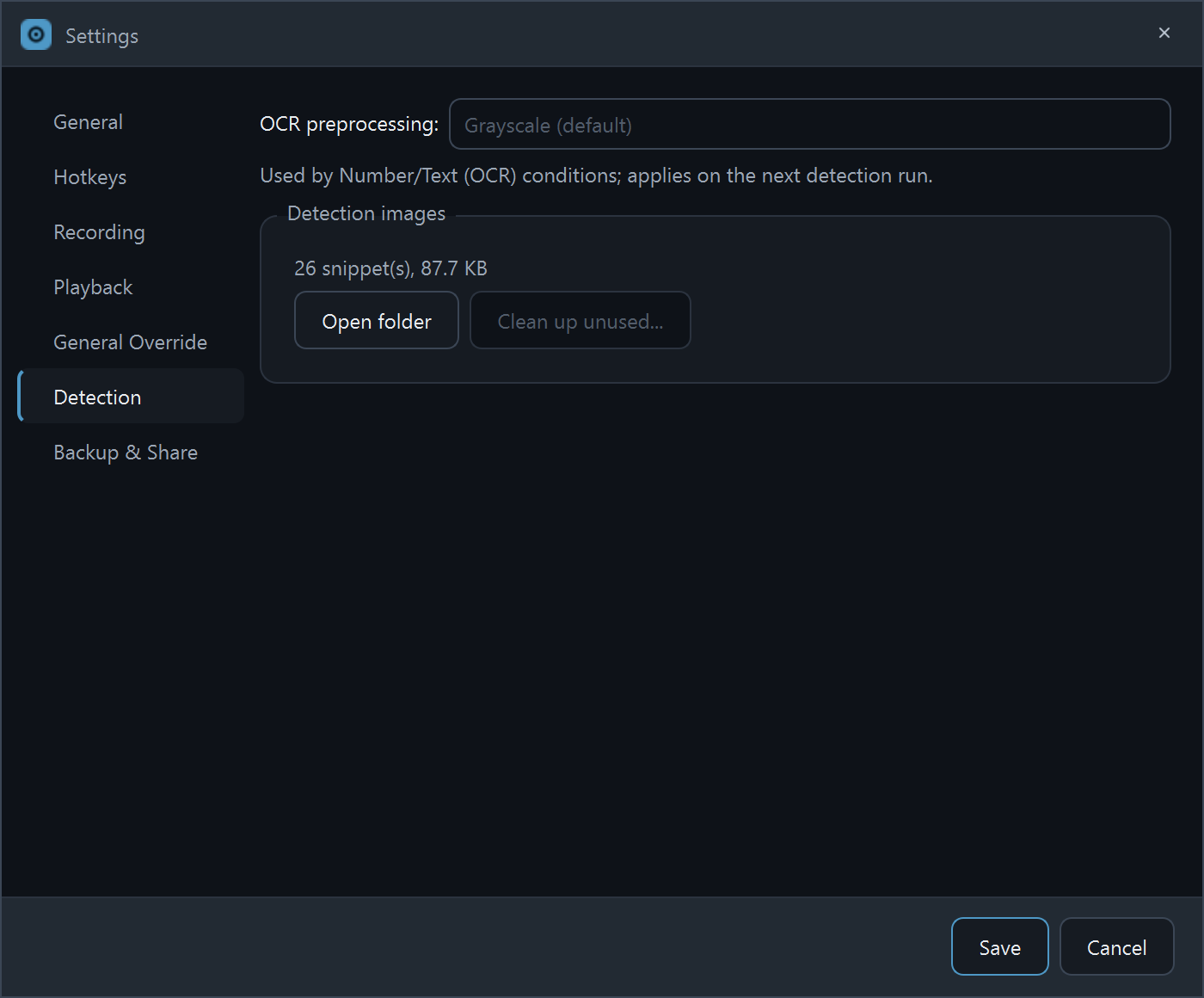
Settings → Detection → OCR preprocessing controls how the region is prepared before reading. Grayscale (the default) suits flat UI text; Otsu binarizes the image and handles styled or rendered numbers well; None feeds the raw frame. If reads are flaky, trying a different mode is the first knob to turn.
What's Free, what's Pro
Building OCR conditions and previewing their readings in Observe mode is free. A live run that acts on an OCR reading is a Pro feature, same as object recognition (vision) and keyboard actions.
Getting reliable reads
- Crisp, high-contrast text reads best. Small HUD numbers work; blurry stylized fonts may not.
- Keep the region tight around the value, exclude icons and bars.
- Use Min OCR confidence to ignore low-quality reads instead of acting on them.
- Watch a few reads in Observe mode before trusting a threshold.
Stuck on a step?
Ask in the Discord, post on r/QHuman, or email support. Happy to help.